¶ Set Blendshape
Category: 🎨 Visual
¶ Description
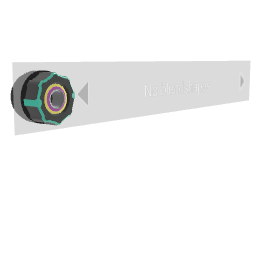
Drive a blendshape weight on one or more 3D models. Tag the target model, pick a blendshape with the Previous/Next buttons, and animate the weight with the dial or jolt input.
Workflow:
- Click and drag the Tag input to the 3D model (or group containing models).
- Use Previous/Next to step through every blendshape found on the targets.
- Adjust the weight dial (or send a jolt) to animate the chosen blendshape.
If multiple selected models share a mesh name and blendshape name, all of them are driven together.
¶ Inputs, Outputs and Parts
¶ Inputs
| Name | Type | Description |
|---|---|---|
| Blendshape Value | Jolt Input with Dial | Weight applied to the currently selected blendshape (0-100 in Unity units). |
| Blendshape Value | Jolt Input | Same as the dial value, exposed as a jolt input for patching. |
| Click and drag to a 3D model | Tag Input | Tag a 3D model (or a group containing 3D models) whose blendshapes should be driven. |
¶ Others
| Name | Type | Description |
|---|---|---|
| Previous shape | Interactible | Steps to the previous blendshape on the tagged model(s). |
| Next shape | Interactible | Steps to the next blendshape on the tagged model(s). |