¶ Set Scale
Category: 🎨 Visual
¶ Description
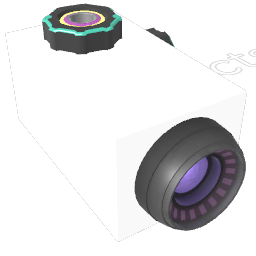
Changes the size of the targeted blocks along the X, Y and Z axes. Connect blocks to the Tag input, then adjust the scale knobs to resize them independently on each axis.
Scale manipulation tool with independent X, Y and Z axis controls. A scale of 1 keeps the original size; values below 1 shrink, values above 1 enlarge. When a single block is connected, the knobs automatically pick up its current scale so you can edit from there.
¶ Inputs, Outputs and Parts
¶ Inputs
| Name | Type | Description |
|---|---|---|
| Target | Tag Input | Block(s) whose scale will be set. |
| Scale X | Jolt Input with Dial | Width scale along the X axis (1 = original size). |
| Scale Y | Jolt Input with Dial | Height scale along the Y axis (1 = original size). |
| Scale Z | Jolt Input with Dial | Depth scale along the Z axis (1 = original size). |