¶ Set Active
Category: ⚙️ System
¶ Description
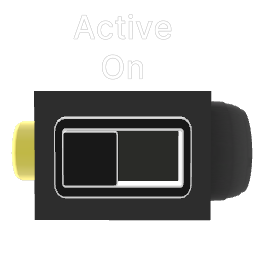
Activates or deactivates target blocks entirely, pausing their logic, physics, and audio. Unlike Set Visible, deactivated blocks stop running completely. Send a jolt ≥ 0.5 to activate, < 0.5 to deactivate.
Deactivating a block with Set Active is more aggressive than Set Visible — it calls Unity's SetActive(false), halting all scripts, physics, and audio on the target. This is useful for performance optimization when blocks are temporarily not needed.
¶ Inputs, Outputs and Parts
¶ Inputs
| Name | Type | Description |
|---|---|---|
| Set Active | Jolt Input | Activates or deactivates all target blocks. Send ≥ 0.5 to activate, < 0.5 to deactivate. |
| Add Target Block | Tag Input | Drag onto blocks to add them to the selection. |
¶ Others
| Name | Type | Description |
|---|---|---|
| Target Blocks | The blocks to be activated or deactivated. | |
| Active State | Toggle Button | Current active state. Click to toggle on/off immediately. |