¶ Clock
Category: 🔊 Audio
¶ Description
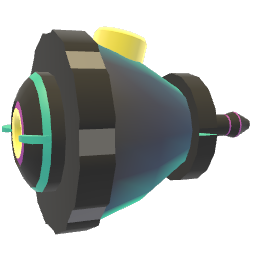
Outputs a continuously rising (or decreasing) value at the rate set by the speed input. Useful as a timer, countdown, custom tempo source, or animation driver.
The clock integrates the speed input over time: a speed of 1 produces +1 per second, a speed of -2 produces -2 per second, etc. Use the Set Time jolt input to reset or jump the current value. Enable 'Follow Global Clock' in the inspector to sync the output with the global tempo of the world instead of real-time seconds.
¶ Inputs, Outputs and Parts
¶ Inputs
| Name | Type | Description |
|---|---|---|
| Clock Speed | Stream Input | Rate at which the clock value changes, in units per second. Negative values make the clock count down. |
| Set Time | Jolt Input | Sets the current clock value to the jolt's value (useful for resetting or jumping to a specific time). |
¶ Inspector Controls
| Name | Type | Description |
|---|---|---|
| Follow Global Clock | checkbox | When enabled, the clock advances using the world's global tempo (beat time) instead of real-time seconds. |