¶ Filter
Category: 🔊 Audio
¶ Description
Shapes your sound by cutting frequencies. Select a type (Low-Pass, High-Pass, or Band-Pass) to control what gets filtered out.
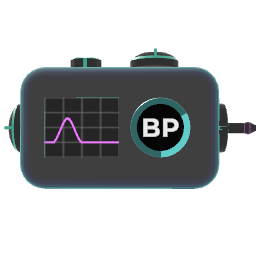
This filter lets you remove parts of a sound to change its character. The live graph shows you exactly what it's doing.
-
Cutoff Knob: This is your main control. It sets the frequency where the filter starts working. Sweep it to create the classic filter sound.
-
Resonance Knob: This adds a sharp, whistle-like boost at the cutoff frequency, making the effect more intense and aggressive.
Filter Types:
-
Low-Pass (LP): Lets the low-end through and cuts the highs. Use it to make sounds warmer, darker, or more muffled.
-
High-Pass (HP): Lets the high-end through and cuts the bass. Use it to make sounds thinner, crisper, or to clean up a muddy mix.
-
Band-Pass (BP): Only lets a narrow "band" of sound through. Great for creating a telephone or radio-like effect.
¶ Related Wiki Pages
¶ Inputs, Outputs and Parts
¶ Inputs
| Name | Type | Description |
|---|---|---|
| Input | Stream Input | The audio signal to filter. |
| Cutoff Freq | Stream Input | Sets the frequency where the filter starts working. |
| Resonance | Jolt Input with Dial | This adds a sharp, whistle-like boost at the cutoff frequency, making the effect more intense and aggressive |
¶ Outputs
| Name | Type | Description |
|---|---|---|
| Output | Stream Output | The filtered audio signal. |
¶ Others
| Name | Type | Description |
|---|---|---|
| Type Dial | Selector | Select between 3 types of filtering: BP, HP, LP (Bandpass, Highpass, Lowpass) |